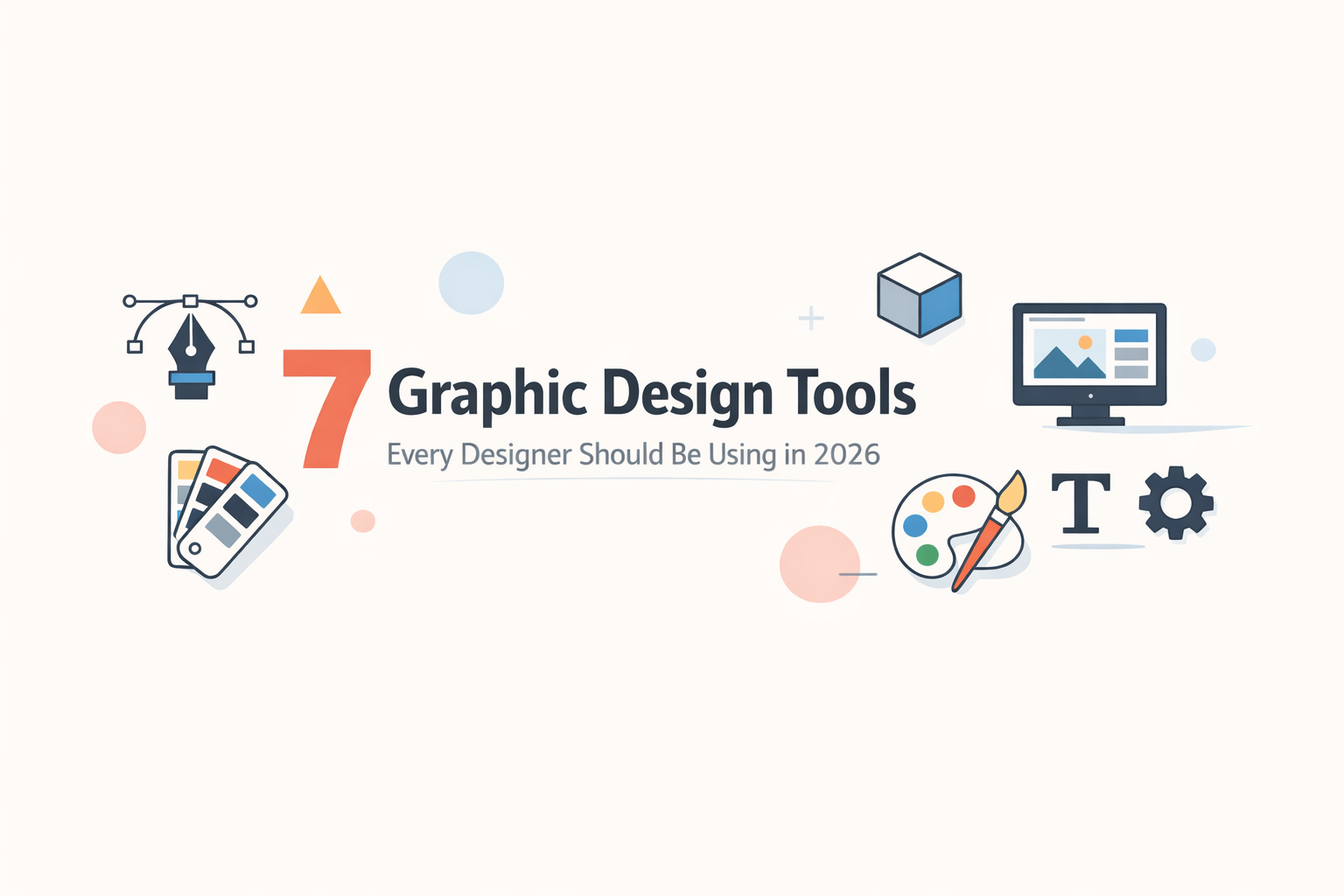
The world of design is evolving faster than ever. Whether you are a seasoned professional or just starting out, having the right graphic design tools for professionals in your toolkit can make all the difference. In 2026, designers are expected to work smarter, faster, and more collaboratively than before.
From branding and UI/UX to social media graphics and print design, the best graphic design tools 2026 are powerful, intuitive, and built to handle it all. In this blog, we break down the top graphic design software 2026 that every designer — beginner or expert — should have in their workflow. And if you are looking for the best graphic design company in Jaipur that masters all these tools, you are already in the right place.
1. Adobe Creative Cloud — The Industry Standard
When it comes to professional graphic design tools, Adobe Creative Cloud remains at the top of the list. With tools like Photoshop, Illustrator, InDesign, and After Effects all under one roof, Adobe gives designers a complete ecosystem for every project type.
-
Best for: Photo editing, vector illustration, layout design, and video
-
Pricing: Starts at $54.99/month (All Apps plan)
-
Skill Level: Beginner to Advanced
2. Figma — The Best UI Design Tool in 2026
Figma has completely transformed how design teams work. As one of the leading UI design tools 2026, it enables real-time collaboration between designers, developers, and stakeholders — all in the browser. No downloads, no file version confusion.
-
Best for: UI/UX design, wireframing, prototyping, and team collaboration
-
Pricing: Free plan available; Pro starts at $12/month per editor
-
Skill Level: Beginner to Advanced
3. Canva — Top Free Graphic Design Tool for Non-Designers
Canva is easily one of the most popular free graphic design tools 2026 for small businesses, marketers, and content creators. With thousands of templates and a drag-and-drop interface, it is perfect for creating social media content, presentations, flyers, and more — no design degree required.
-
Best for: Social media graphics, presentations, and quick marketing materials
-
Pricing: Free plan available; Pro at $12.99/month
-
Skill Level: Beginner-friendly
4. Affinity Designer — Best Adobe Alternative for Designers
If you are looking for powerful Adobe alternatives for designers, Affinity Designer is the top choice. It offers professional vector and raster design capabilities at a one-time purchase price — no subscription needed. It is lightweight, fast, and supports most Adobe file formats.
-
Best for: Logo design, illustration, branding, and print design
-
Pricing: One-time purchase at $69.99
-
Skill Level: Intermediate to Advanced
5. Procreate — Best Graphic Design App for Professionals on iPad
Among the best graphic design apps for professionals, Procreate stands out for digital illustration and hand-drawn artwork. Exclusively available on iPad, it offers an incredibly responsive drawing experience with thousands of brushes and powerful layer management.
-
Best for: Digital illustration, concept art, lettering, and character design
-
Pricing: One-time purchase at $12.99 (App Store)
-
Skill Level: Beginner to Advanced
6. CorelDRAW — Professional Graphic Design Tool for Print
CorelDRAW continues to be one of the most trusted professional graphic design tools for print and signage work. With excellent typography controls, vector illustration tools, and support for a wide range of file formats, it is a go-to for packaging designers, sign makers, and print professionals.
-
Best for: Print design, signage, packaging, and vector illustration
-
Pricing: Subscription starts at $249/year
-
Skill Level: Intermediate to Advanced
7. Sketch — Essential Design Tool for Freelance Graphic Designers
Sketch has long been a favourite among the best tools for freelance graphic designers working in digital and app design. Exclusively available on macOS, it offers clean, component-based design workflows with excellent plugin support and seamless developer handoff tools.
-
Best for: App design, website UI, and digital product design
-
Pricing: $10/month per editor
-
Skill Level: Intermediate
Bonus: Best Design Software for Beginners in 2026
If you are just starting your design journey, the best design software for beginners depends on your goals. For social media and quick designs, start with Canva. For UI/UX work, Figma has an excellent free plan with tons of learning resources. For vector work without a hefty Adobe subscription, Affinity Designer offers a one-time payment option that makes it extremely affordable graphic design tools for startups and freelancers.
Pro Tip: If you are a business in Rajasthan and want all these tools working for your brand, partnering with the best graphic design company in Jaipur can save you time, money, and effort — while delivering premium results.
Frequently Asked Questions (FAQs)
What graphic design tools do professionals use in 2026?
Most professionals use a combination of tools depending on their niche. Adobe Creative Cloud (Photoshop, Illustrator) is the most widely used suite. Figma is dominant in UI/UX, while CorelDRAW and Affinity Designer are popular for print and branding work.
Are there any free graphic design tools in 2026?
Yes! Canva and Figma both offer generous free plans. GIMP is a powerful open-source alternative to Photoshop. Inkscape is a free vector tool similar to Illustrator. These are great starting points for designers on a budget.
What are the best graphic design tools for social media content?
Canva is the top recommendation for social media content creation due to its ready-made templates. Adobe Express and Figma are also widely used for creating branded social media graphics quickly.
Which is the best graphic design company in Jaipur?
If you are looking for a professional team that uses all the latest design tools — from Adobe Creative Cloud to Figma — and delivers stunning results for branding, social media, and print, then choosing an experienced graphic design company in Jaipur with a strong portfolio is your best bet.
Conclusion:
The right top graphic design tools for small business and freelancers can transform the quality of your work and save you hours every week. Whether you choose industry-leading software like Adobe or opt for Adobe alternatives for designers like Affinity or Canva, the key is to pick tools that match your workflow, budget, and creative goals.
In 2026, the best design tools to grow your business are the ones you actually use consistently. Start with one or two tools, master them, and then expand your toolkit as your skills and projects grow. Great design starts with the right tools — and now you know exactly where to begin.
And if you want a professional team that already masters all these tools, connect with the best graphic design company in Jaipur and take your brand to the next level.