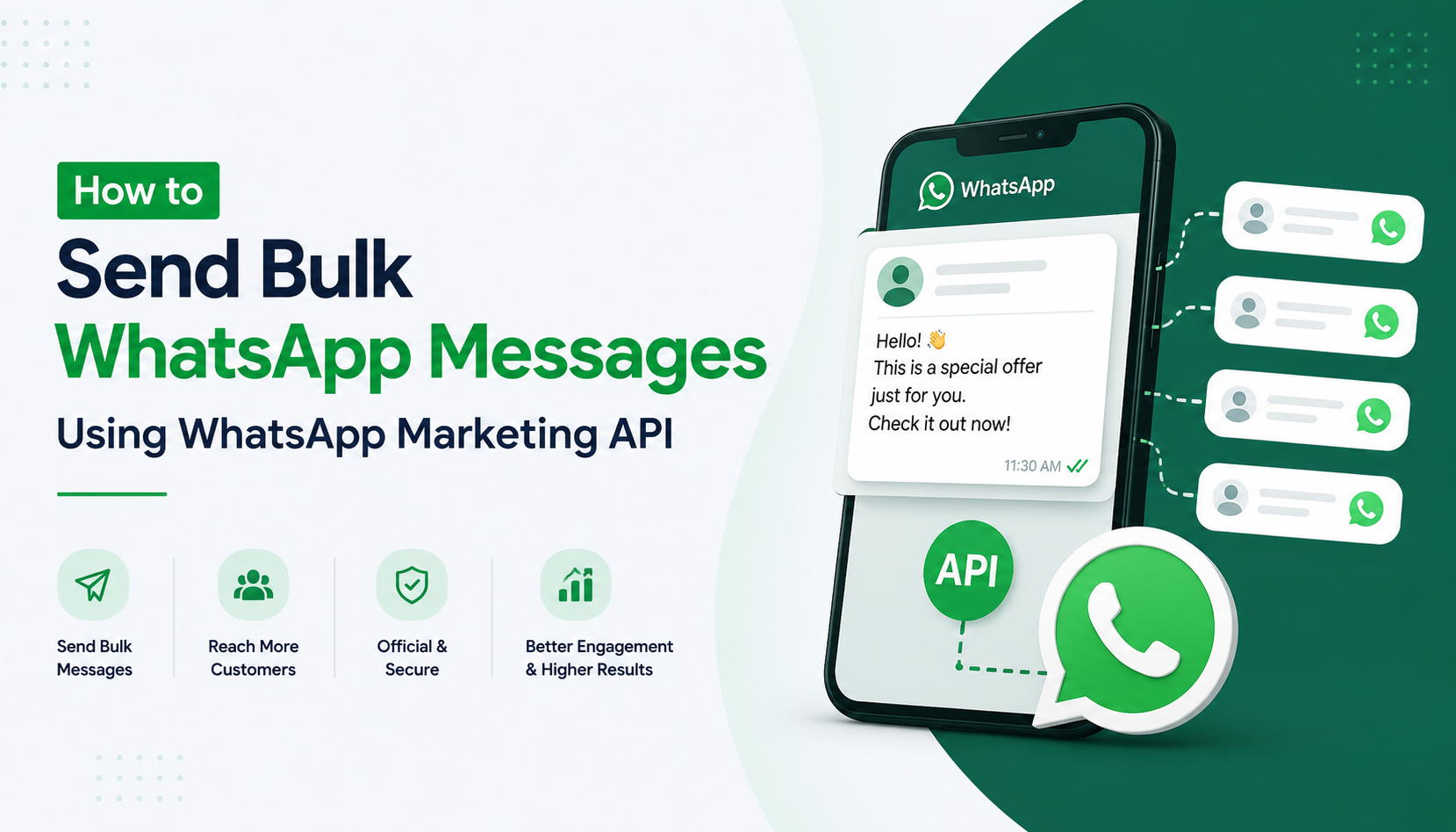
In today's fast-paced digital world, businesses need fast, reliable, and direct communication with their customers. WhatsApp Marketing API has become one of the most powerful tools for businesses to reach thousands of customers instantly. With over 2.7 billion active users worldwide, WhatsApp is no longer just a personal messaging app — it is a full-fledged bulk WhatsApp marketing platform for businesses of all sizes.
Whether you are a small business owner, an e-commerce brand, or a large enterprise, learning how to send bulk messages on WhatsApp can dramatically improve your customer engagement, sales, and support operations.
In this guide, we will walk you through everything you need to know about WhatsApp Business API bulk messages — from setup to execution — so you can launch your first WhatsApp marketing campaign with confidence.
What is WhatsApp Marketing API?
The WhatsApp Marketing API (also known as WhatsApp Business API) is an official solution provided by Meta (formerly Facebook) that allows businesses to send messages to a large number of customers at scale. Unlike the regular WhatsApp Business App, the API has no daily messaging limits and supports full automation.
Key features of WhatsApp Marketing API include:
-
Bulk messaging to thousands of contacts simultaneously
-
Automated WhatsApp messages for order updates, reminders, and promotions
-
Two-way communication between businesses and customers
-
CRM integration for seamless customer management
-
WhatsApp chatbot support for 24/7 automated responses
Why Use WhatsApp Bulk Messaging for Your Business?
Before diving into the technical setup, let's understand why bulk WhatsApp marketing is one of the most effective marketing channels today:
-
98% Open Rate — WhatsApp messages have far higher open rates compared to email (which averages around 20%)
-
Direct Reach — Messages land directly in the customer's personal chat inbox
-
Cost-Effective — Compared to SMS marketing, WhatsApp API offers richer messaging at lower costs
-
Rich Media Support — Send images, videos, PDFs, and interactive buttons
-
Global Reach — Reach customers across 180+ countries without international SMS charges
These benefits make the WhatsApp bulk message sender approach an essential strategy for modern businesses looking to scale their communication.
Step-by-Step: How to Send Bulk WhatsApp Messages Using WhatsApp Marketing API
Step 1: Apply for WhatsApp Business API Access
The first step is to get official access to the WhatsApp API integration for marketing. You can apply through:
-
Meta's official Business Manager at business.facebook.com
-
An official WhatsApp Business Solution Provider (BSP) like Twilio, WATI, Interakt, or AiSensy
To get approved, you will need:
-
A verified Facebook Business Manager account
-
A dedicated phone number (not previously used on WhatsApp)
-
A business website and valid business details
-
Approval of your message templates by Meta
Pro Tip: Using a trusted BSP (Business Solution Provider) speeds up the approval process and provides a ready-to-use dashboard.
Step 2: Set Up Your WhatsApp Business Profile
Once approved, set up your professional business profile with:
-
Business name and logo
-
Business description
-
Website URL and contact details
-
Business category
A complete and verified business profile builds customer trust and improves message deliverability.
Step 3: Create and Get Message Templates Approved
To send bulk messages on WhatsApp, you must use pre-approved Message Templates (also called HSMs — Highly Structured Messages). These are required for initiating conversations with customers.
Your templates can include:
-
Promotional messages — Offers, discounts, new product launches
-
Transactional messages — Order confirmations, shipping updates
-
Reminder messages — Appointment reminders, payment reminders
-
Re-engagement messages — Win-back campaigns for inactive customers
Meta reviews and approves each template, usually within 24–48 hours. Make sure your templates follow WhatsApp's messaging policies to avoid rejection.
Step 4: Upload Your Contact List
Once your templates are ready, upload your customer contact list to your WhatsApp API dashboard or BSP platform. Important points to remember:
-
Only upload contacts who have opted-in to receive messages from your business
-
Contacts should be in the correct format with country codes
-
Segment your contacts by category (new customers, existing customers, leads) for better targeting
This step is critical to send WhatsApp messages to all customers at once in a targeted and compliant manner.
Step 5: Configure Your WhatsApp Bulk Message Sender
Now it's time to configure the actual bulk sending. Using your BSP platform or API:
-
Select the approved message template
-
Choose your target contact segment
-
Personalize messages using dynamic variables (e.g., {{customer_name}}, {{order_id}})
-
Schedule the campaign (immediate or timed delivery)
-
Review and launch
Most platforms allow you to send 1000 WhatsApp messages at once or even more, depending on your account tier and Meta's messaging limits.
Step 6: Monitor Campaign Performance
After sending, track your campaign results through the dashboard:
-
Delivered Rate — How many messages were successfully delivered
-
Read Rate — How many recipients opened and read the message
-
Response Rate — How many customers replied or clicked on CTAs
-
Conversion Rate — How many leads converted into customers
Use these insights to optimize your future WhatsApp marketing campaigns.
How to Send Bulk WhatsApp Messages Without Getting Banned
One of the most searched questions is: "How to send bulk WhatsApp messages without getting banned?" Here are the most important rules to follow:
-
Always Use the Official API — Never use unofficial WhatsApp bulk message sender tools or third-party apps that violate WhatsApp's Terms of Service. Accounts using unofficial tools get permanently banned.
-
Get Opt-In Consent — Only message customers who have explicitly agreed to receive WhatsApp communications from your business.
-
Use Approved Templates — Do not send random promotional messages. Always use Meta-approved templates for outbound messaging.
-
Respect Messaging Limits — Meta assigns messaging tiers (1K, 10K, 100K messages/day) based on your account quality. Stay within your limits and build quality gradually.
-
Maintain Low Block Rate — If too many users block or report your messages, Meta will downgrade or suspend your account. Always send relevant, valuable messages.
-
Avoid Spammy Content — Do not send misleading offers, excessive promotions, or irrelevant content. Quality over quantity always wins.
Following these rules ensures long-term, sustainable WhatsApp business bulk messaging without account suspension.
Best WhatsApp Bulk Sender Tools in 2025
Here are some of the best WhatsApp bulk sender tools and BSP platforms available in 2025:
|
Tool |
Best For |
Key Feature |
|
WATI |
Small & Medium Businesses |
Easy setup, CRM integration |
|
Interakt |
E-commerce Brands |
Shopify integration, catalog support |
|
AiSensy |
Marketing Campaigns |
Broadcast campaigns, analytics |
|
Twilio |
Developers & IT Companies |
Full API access, custom integration |
|
Gupshup |
Large Enterprises |
High volume, chatbot builder |
|
MessageBird |
Global Businesses |
Multi-channel support |
Note: While some platforms offer a WhatsApp bulk message API free trial, long-term usage requires a paid plan based on message volume.
Use Cases: Who Should Use WhatsApp Marketing API?
Automated WhatsApp messages for business are being used across every major industry:
-
E-commerce — Order confirmations, delivery updates, abandoned cart recovery
-
Healthcare — Appointment reminders, lab reports, prescription alerts
-
Education — Admission notifications, fee reminders, exam schedules
-
Real Estate — Property listings, site visit reminders, follow-ups
-
Banking & Finance — Transaction alerts, loan offers, KYC reminders
-
IT & SaaS Companies — Product updates, subscription renewals, onboarding messages
FAQs
Q1. Can I send bulk WhatsApp messages for free? You can access a free trial on some platforms, but the official WhatsApp API has a conversation-based pricing model. Meta provides a limited number of free conversations per month.
Q2. How many messages can I send per day using WhatsApp API? It depends on your messaging tier. New accounts can start with 1,000 messages/day, scaling up to 100,000+ messages/day as your account quality improves.
Q3. Is WhatsApp bulk messaging legal? Yes, when done through the official WhatsApp Business API with proper opt-in consent from customers, it is completely legal and compliant.
Q4. What is the difference between WhatsApp Broadcast and WhatsApp API Bulk Messaging? WhatsApp Broadcast (in the regular app) is limited to 256 contacts and recipients must have your number saved. WhatsApp API bulk messaging has no such restrictions and supports thousands of contacts.
Conclusion
WhatsApp Marketing API is one of the most powerful tools available today for businesses that want to connect with their customers at scale. By following the right setup process, using approved templates, and choosing the best WhatsApp bulk sender tool for your needs, you can run highly effective marketing campaigns that deliver real results.
The key to success with bulk WhatsApp marketing is simple: always prioritize quality, relevance, and customer consent. Businesses that do this consistently see exceptional engagement, higher conversions, and stronger customer relationships.
Ready to get started? Integrate WhatsApp Business API today and take your business communication to the next level.